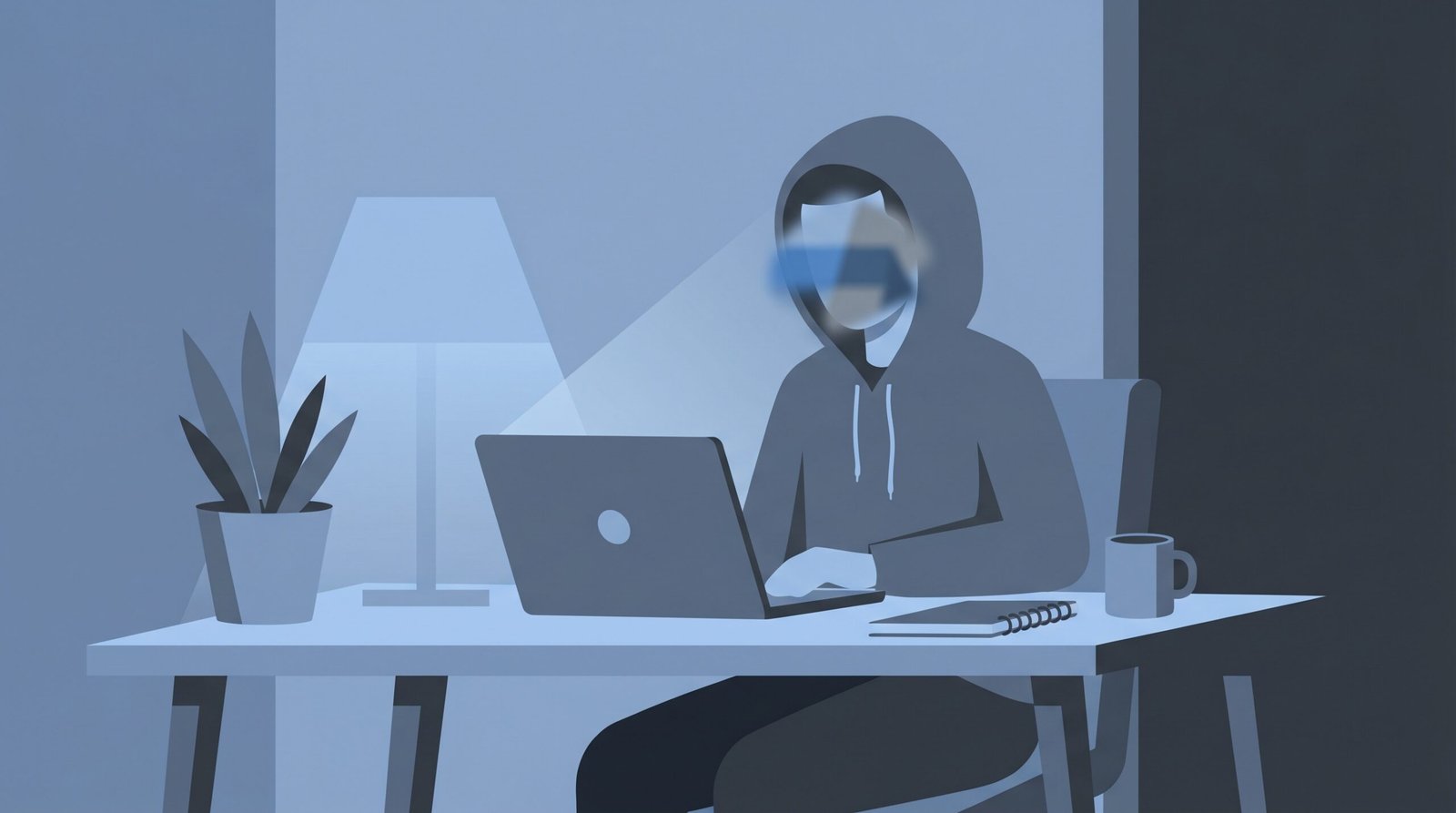
Not everyone who wants to use OmeTV is comfortable showing their face on camera. Maybe you’re shy. Maybe you’re concerned about privacy. Maybe you just want to chat without being fully visible.
Whatever the reason — it’s a completely valid concern. And you’re not alone in wondering whether there’s a way to use OmeTV with more privacy.
This guide covers every real option available for using OmeTV without showing your face — what works, what doesn’t, and what you need to know before trying any of these approaches.
The Honest Answer First
Before getting into specific methods there’s something important to understand about OmeTV.
OmeTV requires an active camera feed to use the platform. This is a core part of how it works. The platform is built around live video chat and it won’t let you connect without your camera being active. You can’t simply turn your camera off and still use OmeTV the way it’s designed to be used.
That said there are several ways to have more privacy on camera without showing your actual face clearly. Some work better than others. Here’s a full breakdown.
Option 1 — Use a Virtual Camera With a Filter or Avatar
This is the most effective method for using OmeTV without showing your real face. A virtual camera app lets you replace your live camera feed with something else — a blurred version of yourself, an animated avatar, a cartoon face filter, or even a static image.
Apps like OBS Studio, ManyCam, or Snap Camera can create a virtual camera on your computer that OmeTV sees as a real camera. You set up whatever you want to show — an avatar, a blurred face, a fun filter — and OmeTV receives that as your camera feed.
This method works well on desktop and laptop. It takes a little setup but it gives you real control over what you show on camera while still allowing you to participate in conversations.
Option 2 — Use Strong Lighting to Obscure Your Features
This is a simpler low-tech approach. By positioning a bright light source directly behind you or pointing a strong light at your camera you can create a silhouette effect where your face is not clearly visible but you still have an active camera feed.
It’s not perfect and tech-savvy users will know what you’re doing. But for basic privacy from casual users it works reasonably well without any extra apps or setup.
Option 3 — Use a Physical Mask or Prop
Some people simply wear a physical mask, a hat pulled low, or some other prop that obscures their face while still keeping the camera active. This is straightforward and requires nothing technical.
The downside is it can look strange and might lead to more users skipping you quickly since it’s an unusual presentation. But if your goal is simply to chat without being recognized it’s a simple option that works.
Option 4 — Angle Your Camera Away From Your Face
Another simple low-tech approach is to angle your camera so it shows a different part of your body — your hands, your background, or just an empty chair — while you speak from off camera.
You can still have a full conversation this way. People will hear your voice and can see something on screen. It’s a simple workaround that doesn’t require any extra software.
Again this might lead to more skips from users who want to see a face on screen. But it works as a basic privacy measure.
Option 5 — Use an Animated Avatar App on Mobile
On mobile devices there are apps that use face-tracking technology to animate a cartoon or illustrated avatar in real time based on your facial movements. Apps like Reface, FaceRig alternatives, or built-in avatar features on some phones can create an animated character that mirrors your expressions without showing your actual face.
This is actually a fun and engaging option that many users respond positively to. Instead of a blank screen or a silhouette you’re presenting something visually interesting — just not your real face.
The quality of these apps varies and some work better than others with OmeTV’s camera system. It may take some experimentation to find one that works smoothly.
What Doesn’t Work — Important to Know
Simply Turning Off Your Camera
OmeTV will not let you connect with other users if your camera is turned off or blocked. This is a platform requirement not a setting you can change. If you try to start a chat without an active camera feed OmeTV will ask you to enable it before connecting.
Covering Your Camera Lens
Covering your physical camera lens will just result in a black screen feed. OmeTV may still technically allow the connection but users will immediately skip a black screen. And depending on OmeTV’s detection systems a black screen feed may trigger issues with your account.
Privacy Considerations Beyond Just Your Face
If privacy is your concern it’s worth thinking beyond just your face. Here are other things that can reveal your identity or location even if your face isn’t visible.
Your background — Make sure nothing in your background reveals your location, school, workplace, or any identifying information. A plain wall is the safest background.
Your voice — Your voice is identifying. If you’re very concerned about privacy be aware that your voice alone can be recognized by people who know you.
Your hands or other features — Tattoos, distinctive jewelry, or other physical features can be identifying even if your face isn’t shown.
Your IP address — OmeTV can see your IP address which gives your approximate location. Using a VPN hides this. Check our OmeTV Without VPN guide for more on this topic.
Is Using OmeTV Without Showing Your Face Against the Rules?
Using filters, avatars, or camera tricks is not explicitly against OmeTV’s terms of service as long as you’re not using them to deceive people in harmful ways or to bypass any moderation systems.
That said OmeTV is designed as a face-to-face video chat platform. Many users will skip you quickly if you’re not showing your face clearly because they want a real human connection. This is just the nature of the platform.
Using an animated avatar or a creative filter tends to get better responses than a black screen or a silhouette because at least it’s something engaging and interesting to look at.
Which Option Is Best?
If you want privacy but still want good conversations — the animated avatar or virtual camera with a fun filter is the best option. It gives you real privacy while still presenting something engaging that people will want to interact with.
If you just want basic privacy without much effort — angling your camera away from your face or using a physical mask is the simplest approach.
If you want maximum privacy with the least chance of being identified — a virtual camera app with an animated avatar combined with a VPN gives you the strongest privacy setup available.
A Note on Why Some People Prefer Face-to-Face
It’s worth understanding that a big part of what makes OmeTV enjoyable for most users is the genuine face-to-face human connection. Seeing someone’s real expressions, reactions, and personality through their face is what makes random video chat feel different from a text chat.
When you obscure your face you’re giving up some of that genuine connection quality. Most people on OmeTV will respond less warmly to a hidden face than to a real person on camera.
If your privacy concern is about safety rather than anonymity it might be worth reading our OmeTV Safety Tips guide first. A lot of the risks people try to avoid by hiding their face can actually be addressed more effectively through smart safety practices while still showing your face.
Frequently Asked Questions
Can you use OmeTV without a camera?
No. OmeTV requires an active camera feed to connect with other users. You cannot use OmeTV in its standard form without a camera. However you can use a virtual camera app to show something other than your real face — like an avatar or filter — instead of your actual camera feed.
Can you blur your face on OmeTV?
OmeTV doesn’t have a built-in face blur feature. However you can use a third-party virtual camera app like OBS Studio or ManyCam on desktop to apply a blur effect to your camera feed before OmeTV sees it. This effectively blurs your face while keeping an active camera feed going.
Is it against OmeTV rules to hide your face?
Using filters or avatars is not explicitly against OmeTV’s rules as long as you’re not using them to bypass moderation or deceive users in harmful ways. However hiding your face will likely lead to more users skipping you since OmeTV is designed for face-to-face interaction.
What app can I use to show an avatar on OmeTV?
On desktop OBS Studio with a virtual camera plugin is a free and effective option. ManyCam is another popular choice. On mobile look for apps with real-time face-tracking avatar features. The specific app that works best may vary depending on your device and operating system.
Why do people hide their face on OmeTV?
People hide their face on OmeTV for various reasons — shyness, privacy concerns, not wanting to be recognized, or just wanting to try the platform anonymously before committing to showing themselves. All of these are valid personal reasons.
Does hiding your face affect your OmeTV experience?
Yes it does. Most users on OmeTV expect to see a real face and will skip quickly if they don’t. Hiding your face generally leads to more skips and shorter conversations. An animated avatar tends to get better responses than a black screen or silhouette because it’s at least something visually interesting.
How can I protect my privacy on OmeTV without hiding my face?
Never share personal information, use a plain background that reveals nothing about your location, consider using a VPN to hide your IP address, and use a nickname instead of your real name. These measures protect your privacy effectively without needing to hide your face at all. Check our OmeTV Safety Tips guide for more.
2 thoughts on “How to Use OmeTV Without Showing Your Face in 2026”